

Secure, Open-Source VPN for Private Browsing
Overview
Outline APK is a free, open-source virtual private network (VPN) developed by Jigsaw Operations LLC, a subsidiary of Alphabet Inc. The software is designed to deliver faster, safer, and more secure internet access, particularly for users managing local networks. It enables anonymous browsing by rerouting traffic through encrypted servers, shielding users from external threats and surveillance. This makes it a valuable tool for individuals and organizations seeking to protect their online privacy and bypass regional content restrictions. The software is especially relevant for professionals in high-risk environments such as news outlets, remote teams, and corporate offices where secure communication is critical.
Outline supports the creation and management of private servers, allowing users to host their own secure network infrastructure. It leverages the Shadowsocks protocol, a lightweight and efficient encryption framework, to ensure fast and reliable connections. The ability to connect to an existing Outline server with a single tap simplifies access for invited users, streamlining collaboration across teams. The developer did not provide additional system requirements, and exact performance details were not specified. However, the software’s open-source nature suggests ongoing community-driven improvements and transparency in security practices.
Key Features & Capabilities
- Open-Source Architecture – Users can inspect, modify, and contribute to the codebase via GitHub, promoting transparency and continuous security enhancements.
- Private Server Hosting – Allows users to set up and manage their own encrypted servers on local networks, ensuring full control over data and access.
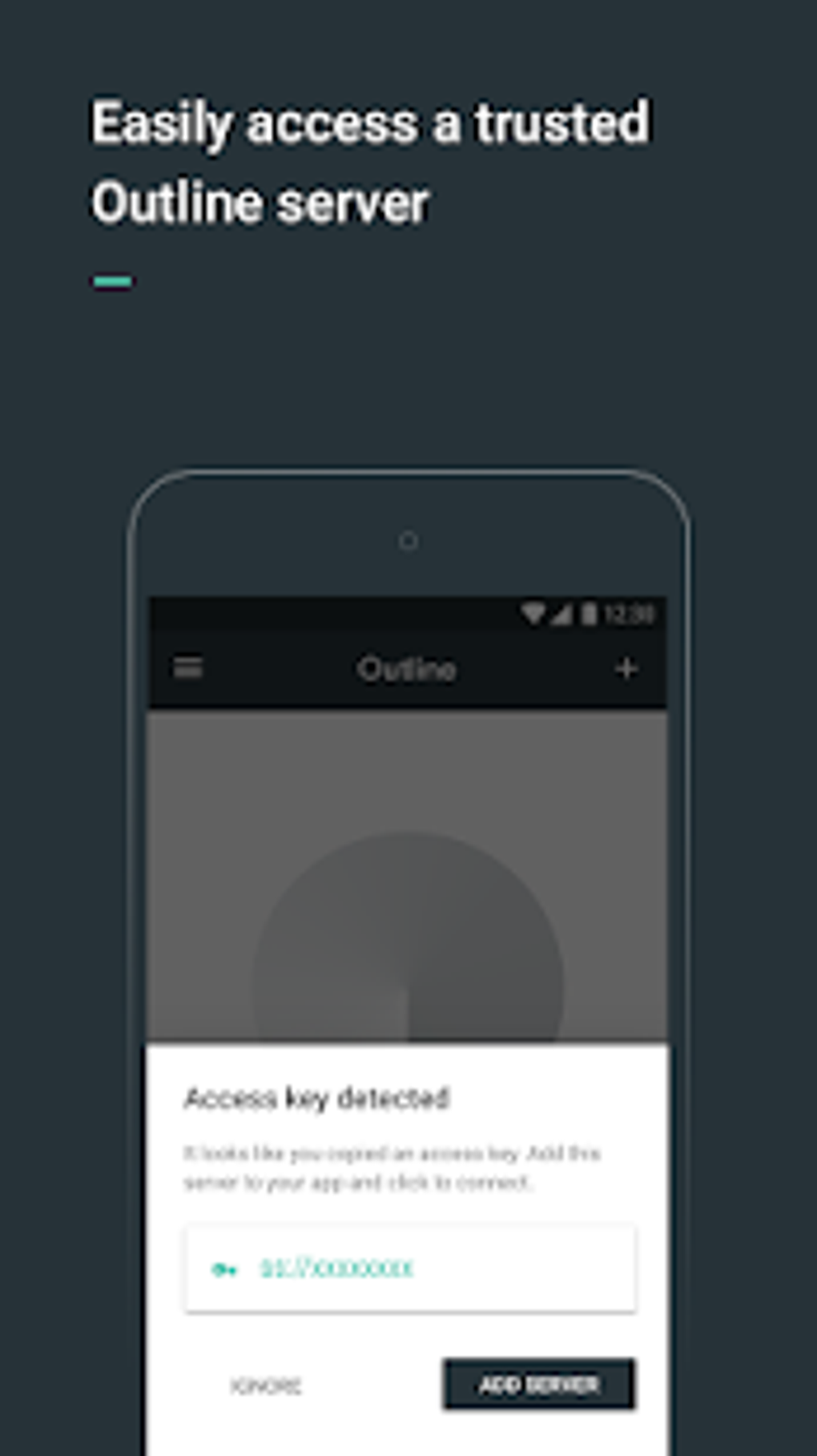
- One-Tap Connection – Simplifies access to existing private Outline servers through invitations, ideal for teams and organizations requiring quick, secure onboarding.
- Strong Encryption via Shadowsocks – Utilizes a modern, efficient protocol to encrypt data in transit, minimizing latency while maximizing security.
- Zero-Log Policy – The software does not record user traffic, ensuring that browsing activity remains private and protected from third-party snooping.
- Multi-Platform Support – Available on Windows, Mac, Linux, Android, and iOS, enabling consistent security across devices.
These features empower users to maintain privacy in sensitive workflows, such as investigative reporting, remote work, or secure team collaboration. For example, a journalist working in a monitored region can use Outline to securely access sources and publish content without fear of interception. Similarly, a business can deploy a private server to allow employees to access internal tools securely from remote locations.
User Interface, Workflow & Performance
Outline APK features a clean, intuitive interface designed for both technical and non-technical users. Navigation is straightforward, with a central dashboard that displays active connections, server status, and access options. The workflow prioritizes simplicity—users can connect to a server with a single click, and manage their network settings through clearly labeled menus.
While specific performance metrics were not provided, the use of the Shadowsocks protocol suggests optimized speed and low latency, particularly for users on stable internet connections. The developer did not specify resource usage details, so CPU and RAM behavior remain unknown. Stability is expected to be strong, given the software’s foundation in a well-audited open-source framework and its focus on minimal overhead. Users can expect consistent performance across supported platforms, though real-world results may vary based on network conditions and server proximity.
Compatibility & System Requirements
Outline APK is compatible with Windows, Mac, Linux, Android, and iOS, making it accessible to a broad range of users across desktop and mobile environments. The software is available in version 1.0.0 and has a download size of 100 MB. It is designed to integrate with local internet networks and support private server deployment.
Exact system requirements were not listed. The developer did not provide detailed hardware specifications or minimum OS versions. Compatibility information is limited to the listed platforms. Users are advised to ensure their devices meet general software installation standards for the respective operating systems. No additional dependencies were mentioned.
Pros and Cons
Pros
- Free to use with no hidden costs
- Open-source design ensures transparency and community trust
- Strong encryption using the Shadowsocks protocol
- Supports private server hosting for full control over data
- One-tap connection for invited users enhances usability
- Available on multiple platforms including mobile devices
Cons
- Exact system requirements were not specified
- Performance details were not provided
- Requires technical knowledge to set up a private server
- Limited official documentation may hinder new users
- Relies on community contributions for feature development
FAQ Section
Is Outline APK safe to use?
Yes, Outline APK is considered secure due to its strong encryption, zero-log policy, and independent code audit by Radically Open Security. The open-source nature allows public scrutiny, enhancing trust and long-term reliability.
Can I use Outline APK on multiple devices?
Yes, the software is available on Windows, Mac, Linux, Android, and iOS, allowing users to install and use it across various devices for consistent protection.
Does Outline APK work without an internet connection?
No, Outline APK requires an active internet connection to establish a secure tunnel to a server. It cannot function offline.
Is Outline APK free to download and use?
Yes, the software is completely free. There are no subscription fees or in-app purchases.
How often are updates released?
Updates are released as needed based on community contributions and security improvements. The open-source model enables frequent, transparent updates.
Final Thoughts + CTA
Outline APK stands out as a powerful, privacy-focused tool for users who prioritize secure and anonymous internet access. Its open-source foundation, strong encryption, and support for private server hosting make it a trusted choice for professionals, journalists, and organizations managing sensitive data. While technical setup may require some familiarity, the one-tap connection feature simplifies access for invited users. The lack of detailed system requirements and performance data is a minor limitation, but the software’s transparent development model helps mitigate concerns.
For individuals and teams seeking a reliable, free, and secure way to protect their online activities, Outline APK delivers on its core promise. Its multi-platform availability ensures consistent protection across devices.
Download Outline APK now





.png)

